Editing of Photo Background – Free Background Changer
A free online background changer for any photo. Change the background of a picture to white, a color, a gradient or your own photo in a few seconds. Upload, pick a new background and download. Everything happens right in your browser.
100% free · No signup · Photos never leave your device
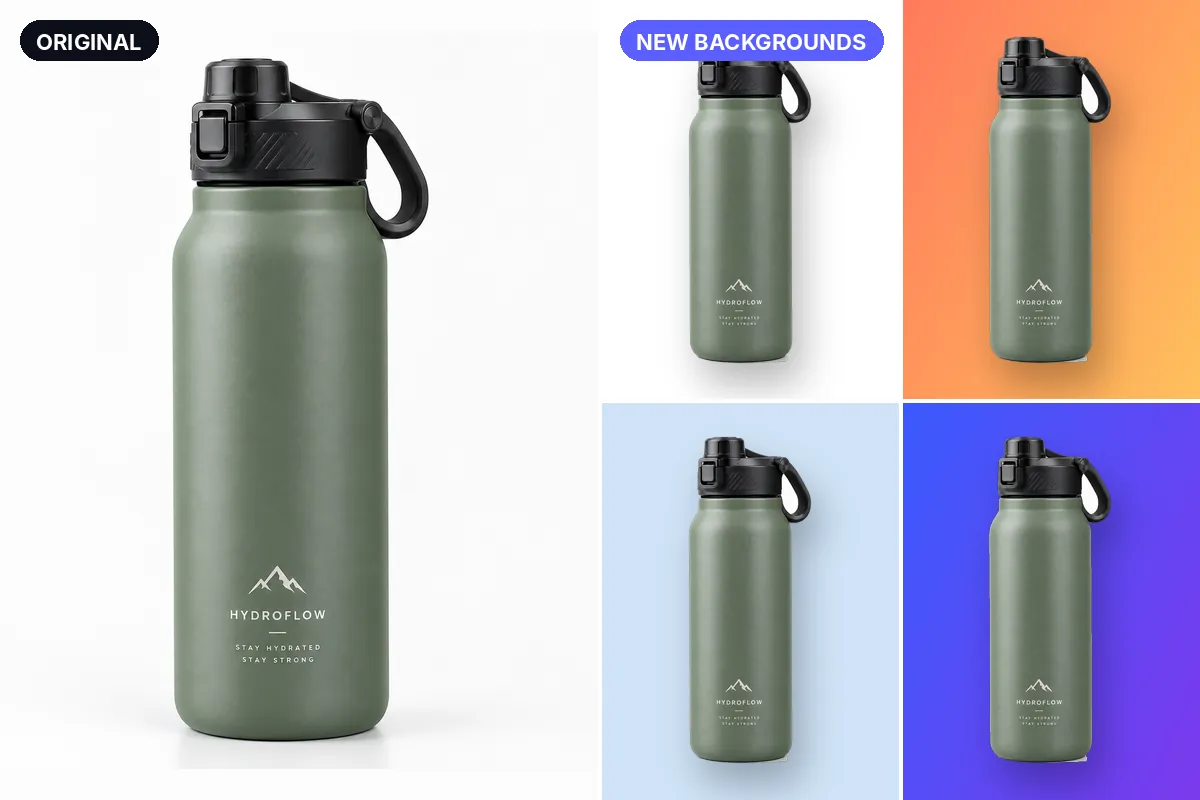
Change Picture Background Free
Drag & drop your image here
PNG, JPG, or WEBP — up to 20MB
Change Background Color of Photo
Pick a ready color or any custom shade, and the new background appears behind your subject right away. It is the quickest way to change the background color of a photo. Try as many colors as you like without waiting for the AI again.
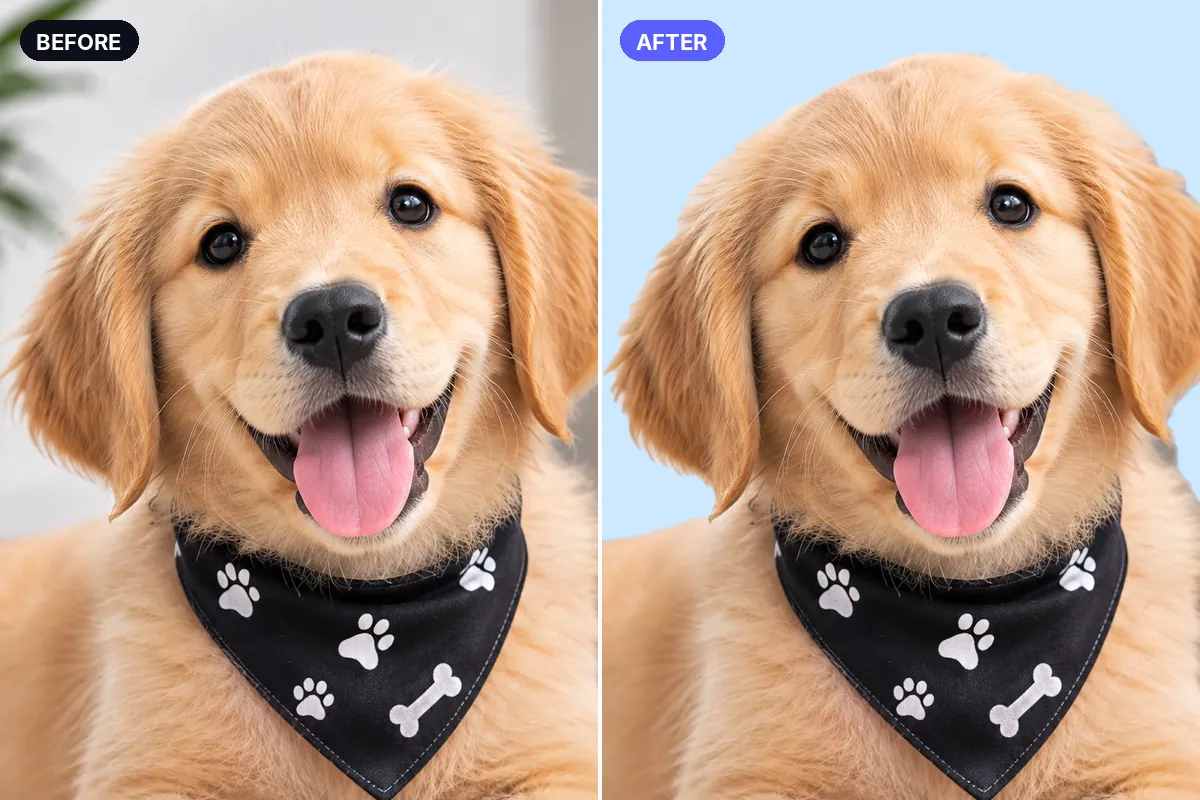
Add Background Color to Image
Add a background to a photo in one click. Choose a bright gradient to make products stand out on social media and ads, or upload your own picture to use as a new scene behind your subject.
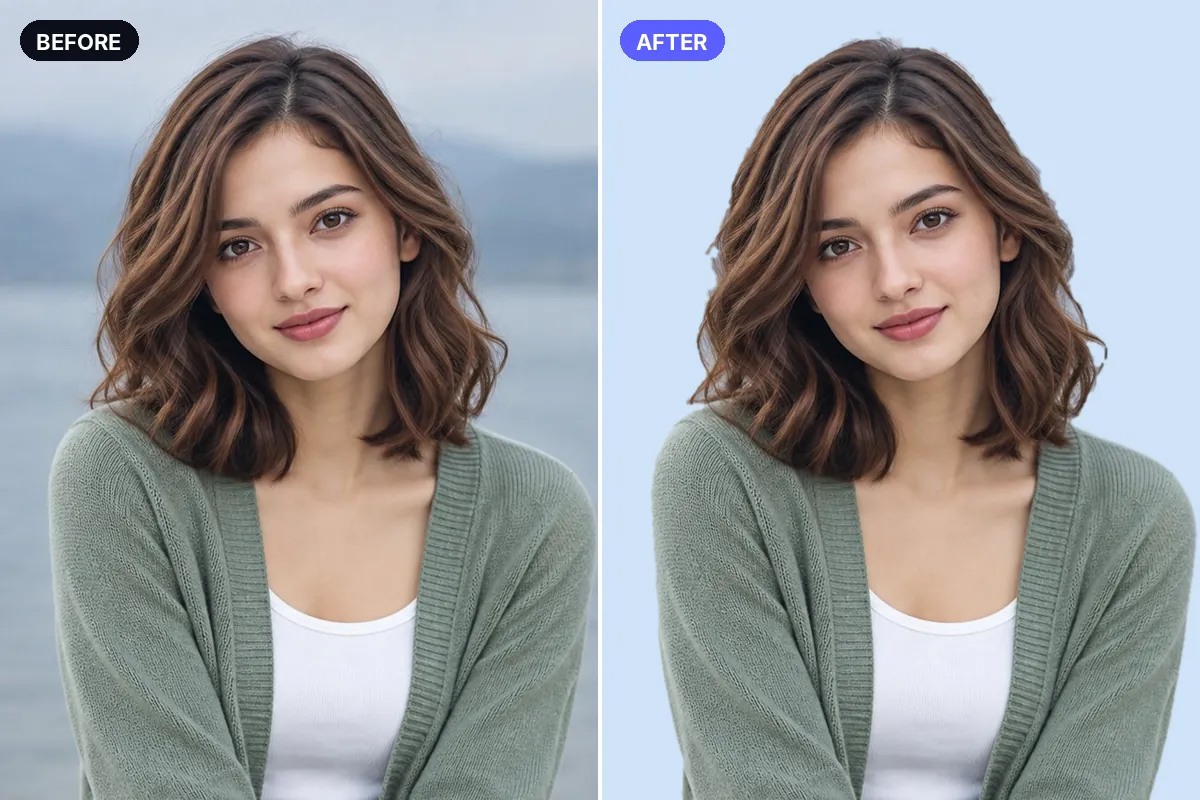
Color Changer – Change Bg of Passport Size Photo
Swap a busy room for a plain white, light gray or light blue background in seconds. It is an easy way to change the background of a passport size photo at home. Always check your country's photo rules for size and background color before you submit.
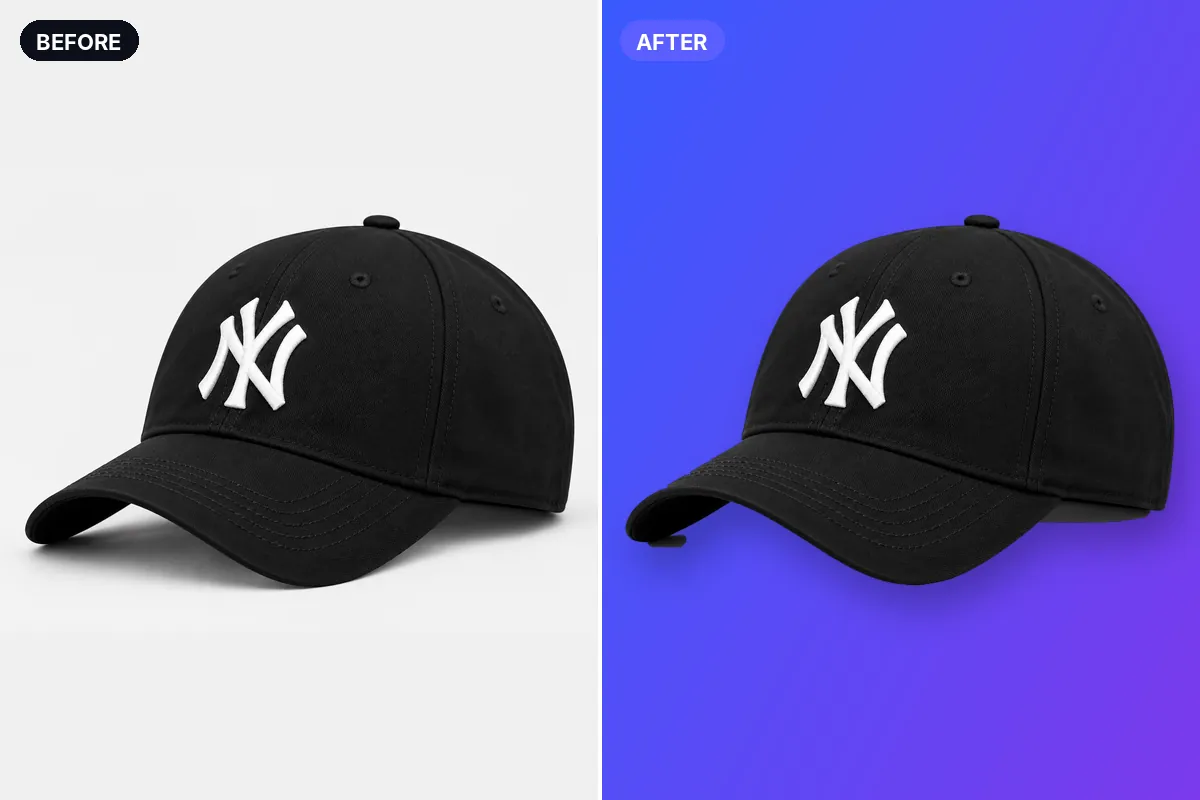
Clean White Bg – Change Background to White
Need to change a picture background to white? Upload your photo, click the white swatch and download. A dark or messy background becomes clean white in seconds, so it also works as a black to white background converter. White backgrounds are great for product listings, CVs and documents.
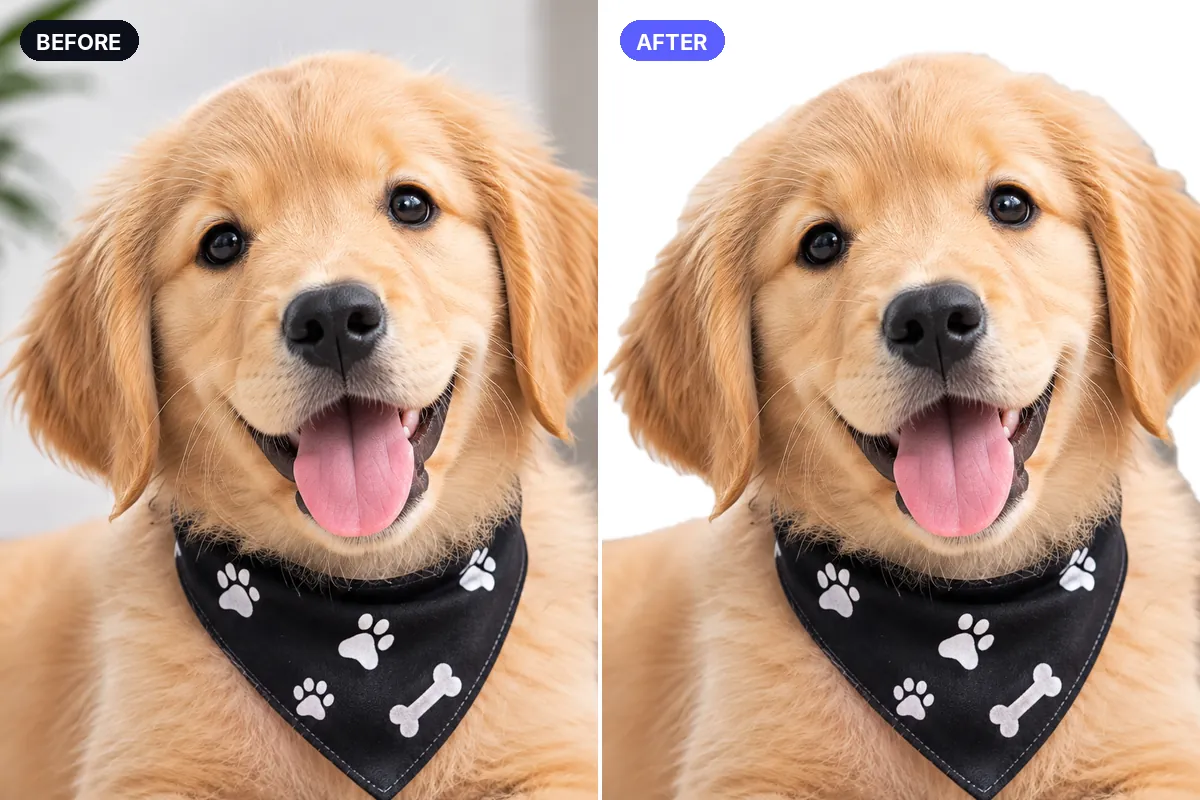
How to Change the Background of a Picture
Here is how to change a photo background in three quick steps.
Upload your photo
Drag & drop or click Choose File. PNG, JPG, JPEG or WebP up to 20MB.
The background is removed
The AI finds the subject and removes the original background in a few seconds.
Pick a new background
Choose white, a color, a gradient, transparent or your own photo, then click Download.
A Free Online Background Changer, No App Needed
Many people look for a background changer app or a free download. You do not need either. Use this bg changer online, right in your web browser, on a phone, tablet or computer.
It is an automatic photo background changer: the AI finds the subject for you, so there is no cutting, erasing or other photo editing work. Your picture stays on your device the whole time.
What you can use it for
A quick background change is one of the easiest ways to make a photo look clean and professional, with no editing skills needed.
Product photos
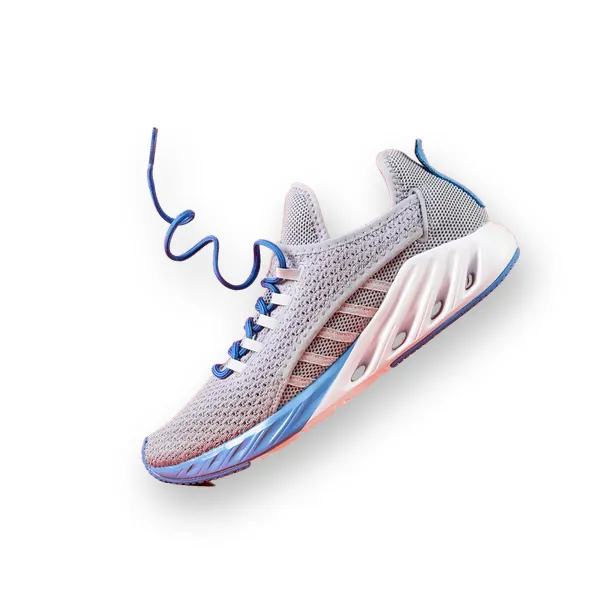
Pure white for Amazon, Daraz, Etsy and Shopify listings.

Pet photos
Put your dog or cat on a cheerful color for posts and profile pictures.

Social media & thumbnails
Bold gradients and brand colors that stand out.

Fashion & accessories
Caps, bags and clothing on a clean studio-white background.
Tips for the best result
- Use a sharp, well-lit photo where the subject clearly stands out from the background.
- Keep the whole subject in the frame — cut-off hands or heads can confuse the AI.
- When using your own photo as the background, pick one with similar lighting and angle so the result looks natural.
- For marketplaces, plain white usually works best; for social media, a gradient or brand color gets more attention.
- Need a transparent cutout only? Use the Background Remover instead.
Frequently asked questions
How can I change the background of a picture online for free?
Upload your picture above. The AI removes the old background in a few seconds. Then pick a new color, gradient or photo and click Download. It is free, with no signup and no watermark.
How do I change a photo background to white?
Upload your photo, click the white swatch and download. If you save it as a JPG, any transparent parts also turn white, because JPG cannot store transparency.
Do I need a background changer app?
No. This background changer works online in your browser on phones, tablets and computers. There is nothing to install or download.
What backgrounds can I use?
Ten presets (white, black, gray, sky blue, mint, pastel pink and three gradients), a transparent background, any custom color from the color picker, or your own photo as a new scene.
Is the Background Changer free?
Yes. It is completely free, with no signup, no watermark and no limit on how many photos you edit.
Is my photo uploaded to a server?
No. The AI model is loaded into your browser and your photo is processed on your own device, so it never leaves your computer or phone.
Can I switch backgrounds after processing?
Yes. The background is removed once; after that, clicking any swatch, color or photo recomposites the image instantly without running the AI again.
Can I make the background transparent?
Yes. Choose the checkered Transparent swatch and download — you get a PNG with a transparent background.
What size is the downloaded image?
Your result keeps the original size up to 2560px on the longest side (1600px on phones, to keep processing fast). It downloads in the same format you uploaded, and you can pick PNG, JPG or WebP next to the Download button. JPG has no transparency, so transparent areas become white.
How do I change the background of a passport size photo?
Upload your photo, then choose white, light gray or light blue and click Download. This tool changes the background only, so crop the photo to the right size separately. Always check your country's official photo rules for size, pose and background color before you submit.
Will hair and fine edges look clean?
The AI detects edges automatically and a cleanup pass removes faint leftover pixels. Results are best on sharp, well-lit photos where the subject stands out from the background.
How do I change the background color of a photo?
Upload your photo, wait a few seconds for the background to be removed, then click a color swatch or use Custom Color to pick any shade. Click Download to save it.
Change Background of a Picture
No signup and no watermark. Your photo never leaves your device.
Change a background